What Can I Do For You Today...



Photo Manipulation

Combine two photos into one

Replace background

Change objects (hair color, etc)

Remove objects or people
“The Disappearing sales force”
Sometimes that perfect photo needs adjustment.
Correct color, tone, clarity. Sometimes you need to
remove part of the background or a person from the photo.
Let me do this for you!

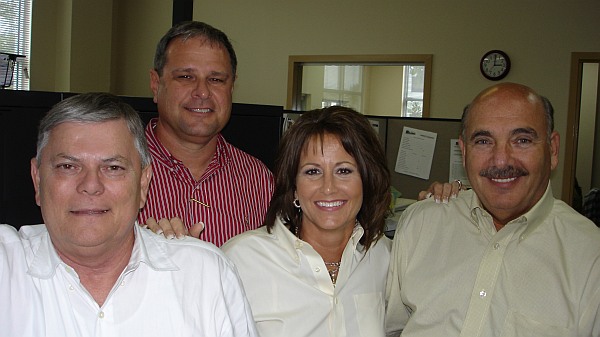


These are the final ID photos used on
the company website and other things
from that same original picture!
Unfortunately, the company downsized
and none of the representatives shown
work for the company now.
ROKU, FIRESTICK, PC, PHONE, TABLET
Handmade Cards & Notary Services




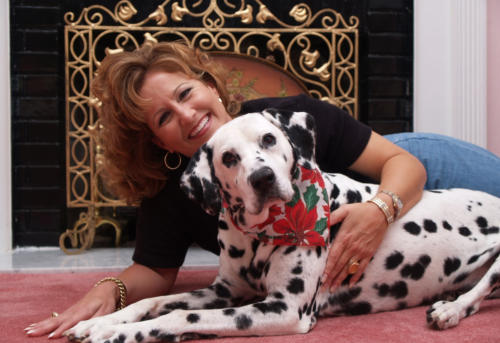
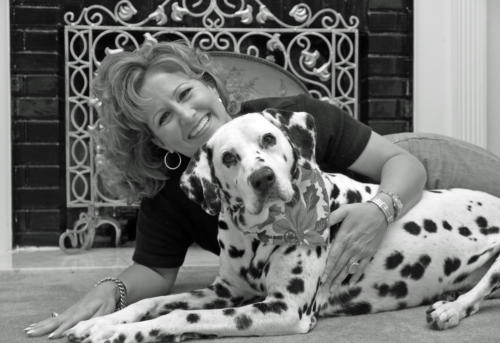
Sample shown below are four people that worked together. The original photo was taken in the corporate
office. Little by little, these people all went their own ways. As webmaster of the corporate website, the group
photo on the website kept changing as the sales force changed. There are four photos in the slideshow
below, all came from the same original photo. Watch for the hair color change at the end.
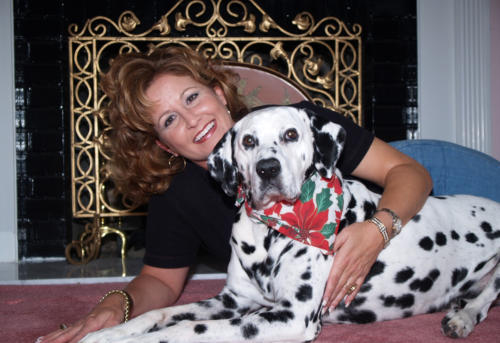
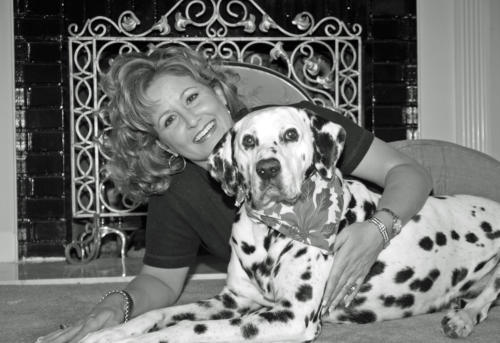
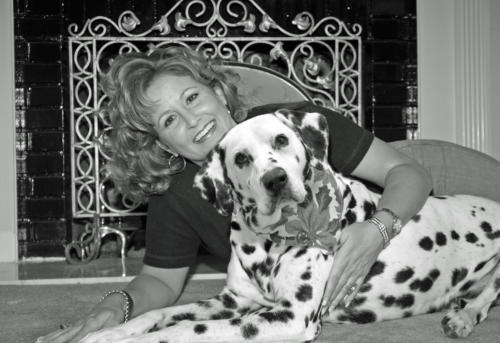
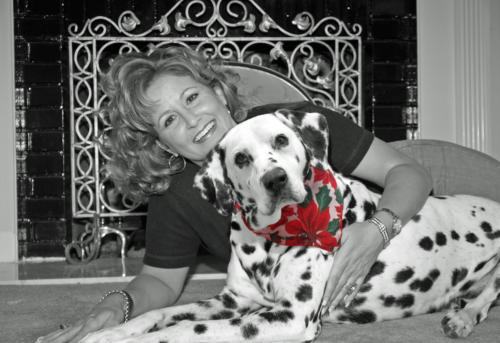
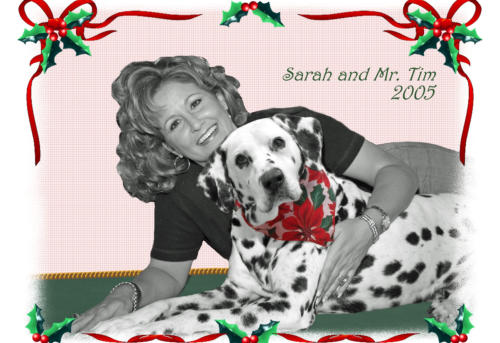
“The Christmas Card Photo”
Situation: Have two photos that are “almost” it! The first the dog looks best, the second the
girl looks best. Solution: Combine into one.
This client charged me with combining the photos in a black and white format and trim out
the excess so it could be placed into a photo layout for a card. The client chose to send out
the final image, made to her specifications. (I particularly like the next to last image).



Click first image
and mouseover
image to use the
arrows to view a
slideshow.